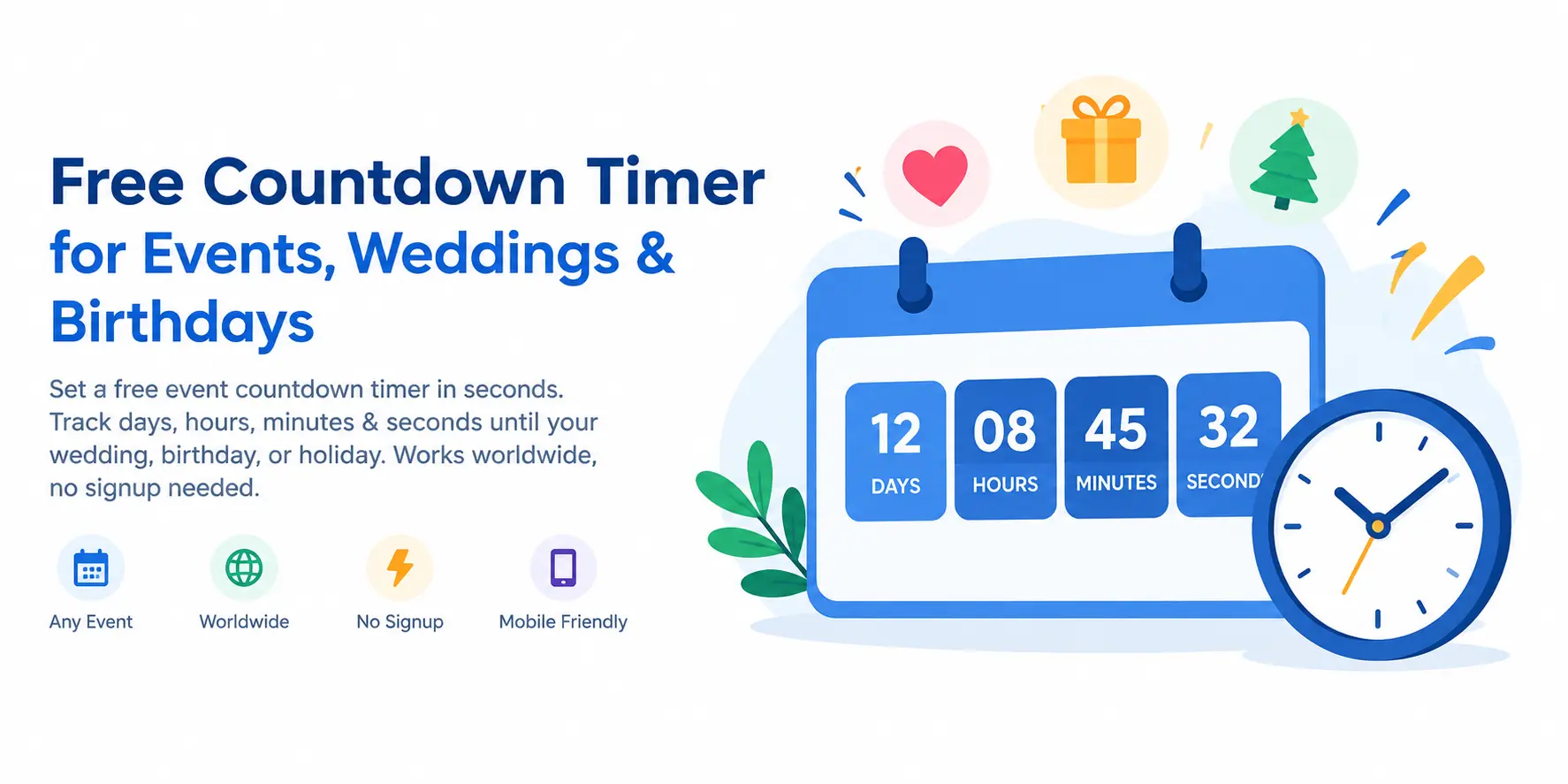
Set Up Your Event Countdown
Your Event Has Arrived!
The clock reached zero. Enjoy your special moment!
Quick Event Presets
How to Use This Free Countdown Timer
Our event clock takes under a minute to set up. Follow these four steps to start tracking the time remaining until your special occasion.
-
1Enter Your Event Name
Type the name of your occasion — for example, "My Wedding," "Birthday Party," or "Product Launch." This personalizes your online clock so you always know what you are counting toward.
-
2Select the Date and Time
Use the date-time picker to choose the exact date and time of your event. The tool reads your device local time zone automatically, so no manual adjustment is needed whether you're in New York, London, Sydney, or Toronto.
-
3Click "Start Countdown Timer"
Press Start and watch the live display begin. The clock refreshes every second, showing the precise number of days, hours, minutes, and seconds remaining until your occasion arrives.
-
4Share with Friends and Family
Click "Share This Countdown" to copy a unique URL. Send the link to anyone and they can open your personalized event clock directly in their browser — no app or login needed.
Key Features of Our Online Event Clock
Built for simplicity and precision, our free tool offers everything you need to track any special date — with zero setup hassle.
Real-Time Precision
Updates every second for a live, accurate display of days, hours, minutes, and seconds.
Works Globally
Automatic local time zone detection. Perfect for users in USA, UK, Canada, Australia, India, and every country worldwide.
Fully Responsive
Optimized for phones, tablets, and desktops. Runs directly in your browser — no app needed.
Shareable Link
Generate a unique URL for your event and share it with guests, colleagues, or on social media.
Always Free
No registration, no download, no fees. A 100% free online event clock ready to use instantly, any time.
One-Click Presets
Instantly load a clock for Christmas, New Year, Valentine's Day, Halloween, and other popular occasions.
Popular Uses for Our Online Countdown Clock
People everywhere use our free tool for countless occasions. From personal milestones to public holidays, this online clock handles any date you set.
Why People Choose AgeCalcAI for Event Tracking
Thousands rely on our free countdown timer every day because it combines ease of use with genuine accuracy. You do not need to install anything or create an account — just open the page, pick a date, and the live clock starts immediately.
Unlike many web-based countdown timers that require manual time zone settings, ours detects your local time automatically. This means users in the USA, UK, Canada, Australia, and India all get correct results without any configuration at all. Our free event countdown tool is trusted by people in over 150 countries because it simply works — every time, on every device.
The shareable link feature is especially popular for wedding countdowns and holiday parties. Simply generate your unique URL and send it to guests — they can open their own copy of the free countdown timer without setting anything up themselves. This makes our tool the perfect companion for couples planning their big day, families waiting for the holidays, and teams building toward a product launch.
Our event countdown clock is built with a mobile-first approach. Whether you're checking days until your big event on a laptop or glancing at a birthday clock on your phone, the layout adjusts perfectly to every screen size. Fast, lightweight, and always reliable — that's the AgeCalcAI standard.
Privacy-First Design
our tool does not store any personal data on our servers. Your event name and date stay entirely on your own device. We believe a great countdown clock should be as private as it is useful. No tracking of your events, no selling of your data — just a clean, honest, free tool you can rely on completely.
Zero Load Time, Zero Friction
The page is engineered to load in under two seconds even on slow mobile connections. There are no heavy scripts or third-party plugins slowing down your experience. When you need a fast clock — say, you just remembered your exam is in 10 days — our online clock is ready the instant the page opens. No splash screens, no popups, no distractions.
Accessible to Everyone
our tool is designed with accessibility in mind. High-contrast colours, large tap targets on mobile, and keyboard-navigable controls mean that everyone — regardless of ability — can use this tool without frustration. We believe a free online clock should truly be free for all.
Works for Every Occasion Worldwide
From Diwali and Eid to Christmas and the Super Bowl, our free online tool supports every type of event in every culture. It works in all time zones and on all devices. Simply set your date, start the clock, and share it with anyone, anywhere in the world.
Tips for Getting the Most from Your Event Clock
Getting the most out of this free online clock is simple, but a few smart habits will make your experience even better. Whether you use it as a wedding clock, a birthday reminder, or a holiday tracker, these tips apply to every occasion.
1. Use a Specific Event Time, Not Just a Date
When setting your event countdown, always include the exact time alongside the date. If your wedding ceremony begins at 3:00 PM, enter that precise time. This makes your free timer show hours, minutes, and seconds accurately right up to the ceremony moment — not just a round number of days.
2. Share Early for Group Events
For weddings, family holidays, or New Year parties, share the timer link as soon as you create it. Friends and family enjoy watching the same live clock together, even from different cities or countries. The shared URL works identically for everyone — your clock stays perfectly synced wherever it is opened.
3. Use Presets for Recurring Holidays
Our Quick Presets make it effortless to load a free event clock for Christmas, New Year's Eve, Halloween, and Valentine's Day. These presets are updated each year, so you always get the correct upcoming date without needing to type anything. One click and your holiday event countdown is running.
4. Bookmark the Shared URL
After you generate a shareable link for your event countdown, bookmark it in your browser. That way you can return to the same running clock at any time — on any device — without re-entering the event details. Perfect for tracking something big like a wedding anniversary or a sports championship final.
Our Event Countdown vs Other Online Clocks — How We Compare
There are many online clock tools available, but our free countdown timer stands out for a few key reasons.
Most web-based countdown timers display only days — ours shows days, hours, minutes, and seconds in real time. That level of precision matters when you're watching the final hours before a product launch or the last minutes before midnight on New Year's Eve. Our live event countdown refreshes every single second, not every minute.
many similar tools force you to sign up before sharing a link. We generate a fully unique shareable URL for your event with zero login required. Your link is ready in one click. No email, no password, no account — just a working countdown link you can send instantly.
We also offer six built-in holiday presets so you never have to manually enter dates for the most popular annual events. Between the presets, the precision clock, the shareable links, and the completely free, no-signup model, AgeCalcAI's free event tool is the simplest and most complete online clock available online today.
Frequently Asked Questions
Written & Reviewed by Rajul Raturi
IT Professional and Web Tools Creator with 22+ years of experience in the IT field. Founder of AgeCalcAI, building free calculators, converters, and productivity tools used by readers across the USA, UK, Canada, Australia, and India.
Last Updated: September 2026 · About AgeCalcAI · Disclaimer
More Free Tools from AgeCalcAI
Looking for more handy calculators? Try these popular free tools, all designed to save you time.