Online Timer - 1 Hour Timer & Custom Countdown
Set a 1 hour timer instantly, or pick any preset from 1 second to 24 hours. No app, no signup - just click Start.
Last Updated: September 13, 2026
- One-click presets from 1 second to 24 hours, including a dedicated 1 hour timer button
- Fully custom hour, minute, and second input for any duration you need
- Live countdown shown right in your browser tab title, even when you switch tabs
- Audible alarm and flashing display when time runs out
- Free, no login, works in fullscreen mode for classrooms and presentations
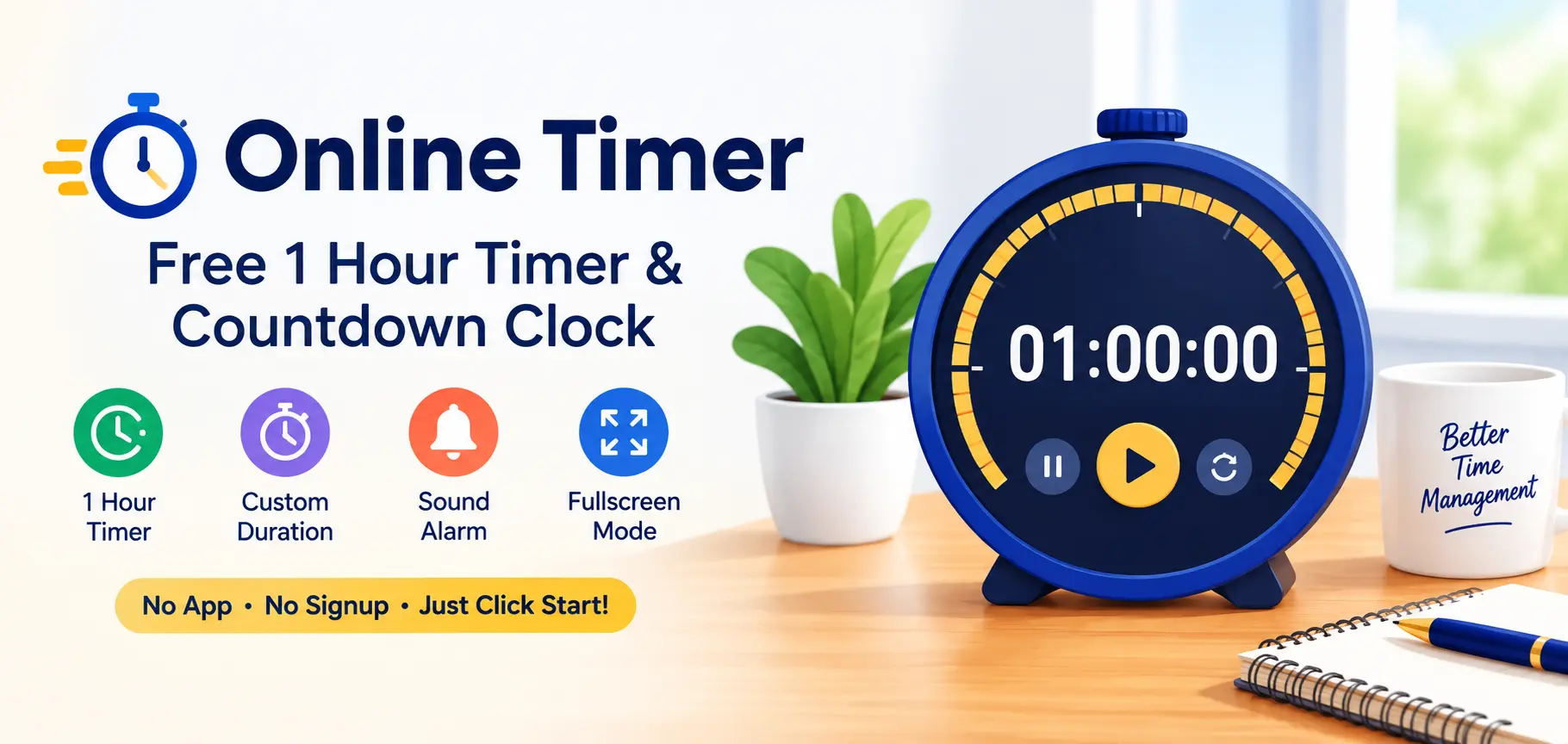
A free online timer for cooking, studying, workouts, and meetings - trusted by users across the USA, UK, Canada, and Australia.
What Is This Online Timer?
This online timer is a free countdown clock that runs directly in your web browser. Pick a preset such as a 1 hour timer, or enter any custom hours, minutes, and seconds, then press Start. The countdown updates live on screen, plays an audible alarm when it reaches zero, and even shows the remaining time in your browser tab title so you can keep working in another tab.
Unlike a kitchen timer or phone alarm, this tool needs no setup, no app download, and no account - it works instantly on desktop, tablet, or mobile, for users in the USA, UK, Canada, and Australia alike.
How to Set a 1 Hour Timer (or Any Duration)
1. Pick a preset or enter a custom time - Click a preset button such as 1 Hour, 30 Minutes, or 15 Minutes, or type your own hours, minutes, and seconds into the custom fields.
2. Press Start - The countdown begins immediately. The remaining time updates live on screen and in your browser tab title.
3. Pause or reset if needed - Use Reset to clear the countdown and start over with a different duration.
4. Get notified when time is up - When the countdown reaches zero, an audible alarm plays and the display flashes red.
Common Timer Durations and What They're Used For
Different durations suit different tasks. Here's a quick reference for the most popular presets on this page:
| Duration | Common Use |
|---|---|
| 1-5 minutes | Tea steeping, quick breaks, brushing teeth |
| 10-15 minutes | Power naps, short breaks, boiling eggs |
| 25 minutes | Pomodoro Technique focus sessions |
| 30-45 minutes | Workouts, cooking, study blocks |
| 1 hour | Meetings, deep work sessions, exam practice, baking |
| 1.5-2 hours | Movie-length breaks, long study or work blocks |
| 4-8 hours | Overnight cooking (slow cooker), long work shifts, sleep tracking |
The 1 hour mark tends to be the single most searched duration because it maps so naturally onto how people structure their day - a standard meeting slot, a single episode of deep work before a break, a common baking or roasting time, or a full practice exam session. If your task doesn't fit neatly into a preset, the custom fields above let you dial in the exact hours, minutes, and seconds you need instead.
Why Use an Online Timer Instead of Your Phone?
Most phones already have a built-in timer, so why use a browser-based one instead? A few practical reasons come up again and again for people searching for a 1 hour timer or similar countdown online:
- Bigger, clearer display: On a laptop or desktop monitor, the countdown is visible from across a room - useful for classrooms, workshops, kitchens, or gyms where checking a phone screen isn't convenient.
- No app permissions or storage: There's nothing to install, no notification permissions to grant, and no storage space used on your device.
- Works on shared or public computers: Libraries, offices, and school computers often restrict app installs, but a browser-based timer works everywhere without any setup.
- Fullscreen mode for group settings: Presentations, exam halls, and team workouts benefit from a countdown that fills the entire screen so everyone in the room can see it clearly.
- One tool for every duration: Instead of fumbling with your phone's timer app to set an unusual duration like 1 hour and 37 minutes, you can type it directly into the custom fields here.
How This Timer Stays Accurate
A common issue with simple countdown scripts is "drift" - small delays that accumulate over a long session, so a 1 hour timer might actually run a few seconds long or short by the time it finishes. This tool avoids that problem by calculating the exact end timestamp the moment you press Start, based on your device's clock, rather than simply subtracting one second at a time from a running total.
Every time the display refreshes, it recalculates the remaining time directly from that fixed end timestamp. This means the countdown stays accurate even if your browser briefly slows down, a background tab competes for resources, or your computer is under heavy load - the displayed time will always reflect the true time remaining, not an estimate built up from repeated small steps.
The Pomodoro Technique, which popularized the 25-minute focus interval used in one of this page's presets, relies on this kind of precise timing to keep work sessions consistent - which is part of why it remains a widely recommended productivity method today.
Tips for Getting the Most Out of Your Timer
- Keep the tab open: While the countdown runs in the background, closing the browser tab entirely will stop it. Minimizing the window or switching tabs is fine.
- Turn your volume up before starting: The alarm plays through your device's regular audio output, so a muted browser tab or a phone in silent mode may prevent you from hearing it.
- Use fullscreen for shared spaces: If you're running a workout class, a classroom activity, or a team exercise, fullscreen mode makes the remaining time visible to everyone without anyone needing to check their own phone.
- For a single focus block, not automatic cycling: This timer is built for one countdown at a time - great for a single 25-minute focus session or a 1 hour work block. If you want the timer to automatically alternate between work and rest rounds on its own, use the Interval Timer mode on our Stopwatch instead.
- Bookmark this page: Since there's no account or app to open, bookmarking this page in your browser gives you one-click access to your favorite preset next time.
Frequently Asked Questions
⚠️ Disclaimer
This online timer runs in your web browser and depends on your device staying awake and this tab remaining open. Some browsers or operating systems may pause or slow down background timers to save battery, especially on mobile devices. For critical or safety-related countdowns (such as cooking that could cause a fire hazard if forgotten, or medical timing), do not rely solely on this tool - use a dedicated kitchen timer, phone alarm, or supervised device as a backup.
More Free Tools by AgeCalcAI
AgeCalcAI.com offers 40+ free online tools for everyday use - calculators, converters, and time tools. All tools are free, fast, and require no login. Serving users in USA, UK, Canada, and Australia.
Popular tools include our Age Calculator, Days Between Two Dates Calculator, Stopwatch, and our Sleep Calculator. Browse all tools →