Days Between Two Dates Calculator
Find the exact number of days, weeks, months, and years between any two dates — instantly, accurately, and for free. No login needed.
Last Updated: September 12, 2026
- Formula: Total Days = (Second Date − First Date) ÷ 86,400,000 milliseconds; Weeks = Total Days ÷ 7
- Accounts for leap years and varying month lengths automatically
- Useful for deadlines, project timelines, invoice due dates, and event planning
- Works for both past date ranges and future date ranges
- Free, no login — results copyable to clipboard for sharing
Duration Between Your Dates
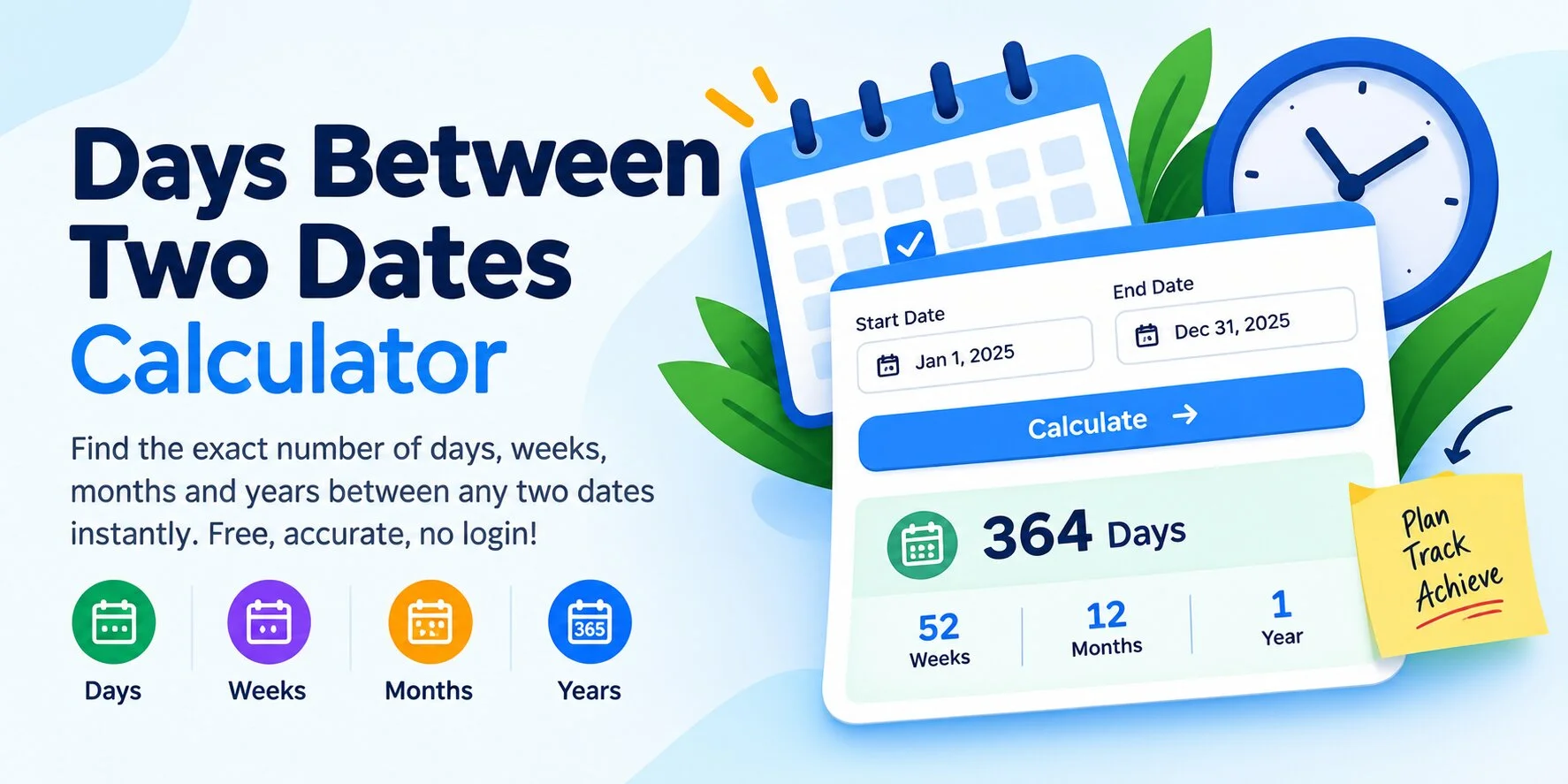
Calculate the exact duration between any two dates — trusted by users in the USA, UK, Canada, and Australia for deadlines, planning, and everyday scheduling.
What Is a Days Between Two Dates Calculator?
A days between two dates calculator is a free online tool that computes the exact duration between two calendar dates. Enter a first date and a second date, and the calculator instantly returns the result in years, months, weeks, total days, and total hours.
The date duration formula works as follows, based on the Gregorian calendar used across the USA, UK, Canada, and Australia:
- Total Days = (Second Date − First Date) ÷ 86,400,000 milliseconds
- Total Weeks = Total Days ÷ 7 (rounded down)
- Total Hours = Total Days × 24
- Years = Calendar year difference, adjusted for day/month overflow
- Months = Calendar month difference (0–11), adjusted for negative days
This tool is built for everyday, practical use — calculating deadlines, contract windows, invoice due dates, shipping timelines, event countdowns, and general date planning for users in the USA, UK, Canada, and Australia. It counts every calendar day, including weekends. If you specifically need to count only working days, use our business days calculator instead.
How to Calculate Days Between Two Dates
Why Calculate the Number of Days Between Two Dates?
Knowing the exact gap between two dates is a common everyday need that goes far beyond curiosity. It helps with scheduling, planning, and verifying time-sensitive commitments accurately, without manual counting on a calendar or risking a mistake near month or year boundaries.
Common uses for this calculator include:
- Project and business planning: Measuring the length of a project timeline, sprint, or milestone window.
- Invoices and billing: Checking how many days have passed since an invoice date to apply late fees or payment terms.
- Event planning: Counting down to a wedding, conference, launch date, or holiday.
- Personal record-keeping: Finding out how long ago something happened, such as a move, a purchase, or a milestone.
- Travel and bookings: Confirming the length of a trip or the number of nights between check-in and check-out dates.
Worked Examples: Days Between Dates
Here are three real calculation walkthroughs showing exactly how the days-between-dates formula plays out in common situations:
📄 Invoice Due Date
Invoice issued: Jan 5, 2026
Due date: Feb 4, 2026 (Net 30)
Result: 30 days, 4 weeks, 1 month
🏗️ Project Timeline
Project start: Mar 1, 2026
Project end: Aug 15, 2026
Result: 167 days, 23 weeks, 5 months, 14 days
🏖️ Trip Duration
Check-in: Jun 10, 2026
Check-out: Jun 17, 2026
Result: 7 days, 1 week (7 nights stay)
Note on counting methods: These examples use exclusive counting — only the days that have fully elapsed between the first and second date. Some contexts, like billing or legal notice periods, use inclusive counting, which adds one extra day by counting both the start and end date. Always check which method applies to your specific situation before relying on a result for a formal deadline.
Quick Reference: Common Day Counts
If you just need a rough estimate without opening the calculator, this quick-reference table converts common day counts into weeks, months, and years using the international ISO 8601 date standard. These are approximate — actual results depend on which specific months and leap years fall within your date range, which is why the calculator above always gives you the precise, verified figure.
| Total Days | Approx. Weeks | Approx. Months | Approx. Years |
|---|---|---|---|
| 7 days | 1 week | — | — |
| 30 days | ~4.3 weeks | ~1 month | — |
| 90 days | ~12.9 weeks | ~3 months | — |
| 180 days | ~25.7 weeks | ~6 months | — |
| 365 days | 52 weeks | 12 months | 1 year |
| 730 days | 104 weeks | 24 months | 2 years |
Inclusive vs. exclusive counting, explained in more depth: Two date-counting conventions exist, and mixing them up is the single most common reason two calculators disagree on the same pair of dates. Exclusive counting (used by this calculator and most general-purpose date tools) measures only the full days that have elapsed between the first date and the second date — the same logic you'd use if you were counting nights of a hotel stay. Inclusive counting adds one extra day because it counts both the first date and the second date as full days, which is common in legal notice periods, rental agreements, and some billing cycles. Neither method is "more correct" — the right one depends entirely on what the two dates represent, so always check the relevant document or policy before using a day count for anything formal.
Frequently Asked Questions
⚠️ Disclaimer
This date duration calculator is provided for informational and planning purposes only. While every effort has been made to ensure calculation accuracy, AgeCalcAI.com does not guarantee results for legal, contractual, or official purposes. Date calculations use the Gregorian calendar and standard JavaScript date arithmetic with exclusive-day counting. For precise legal or contractual timelines, please consult a qualified professional and verify the counting method required. Results may vary slightly depending on your device's system clock and time zone settings.
More Free Tools by AgeCalcAI
AgeCalcAI.com offers 40+ free online tools for everyday use — from calculators and converters to time tools and fun personality tests. All tools are free, fast, and require no login. Serving users in USA, UK, Canada, and Australia.
Popular tools include our Age Calculator, Business Days Calculator, Days Until Calculator, Hours Calculator, Sleep Calculator, and our Tip Calculator. Browse all tools →